With the Public Dashboard module, it is able to share Digital Twins in the form of a URL or as an iframe with people who don’t have access to your niotix instance.
If the module is activated for the respective account, a new button appears to the left of the action buttons.
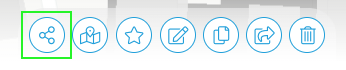
By clicking on this button it is possible to generate a link for sharing the Digital Twin.
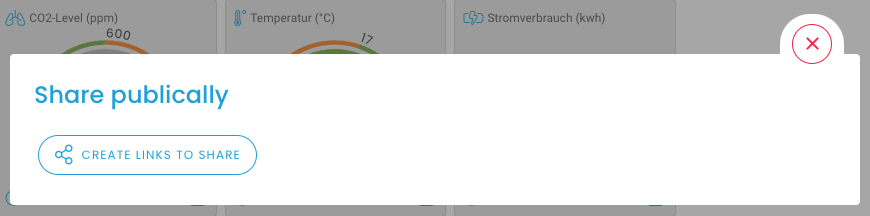
This creates a new API key, which can be found under Settings / Accounts / Api Keys. If the URL is to be deactivated again, this API key must be deleted. This is also possible in the interface itself via the button. Once this key has been deleted, it is not possible to reactivate it.

For sharing, you can choose between the dashboard and the map view. For each option, the html code can be marked and copied to embed the Digital Twin on your website, and the URL can be copied to the clipboard by clicking on the button.
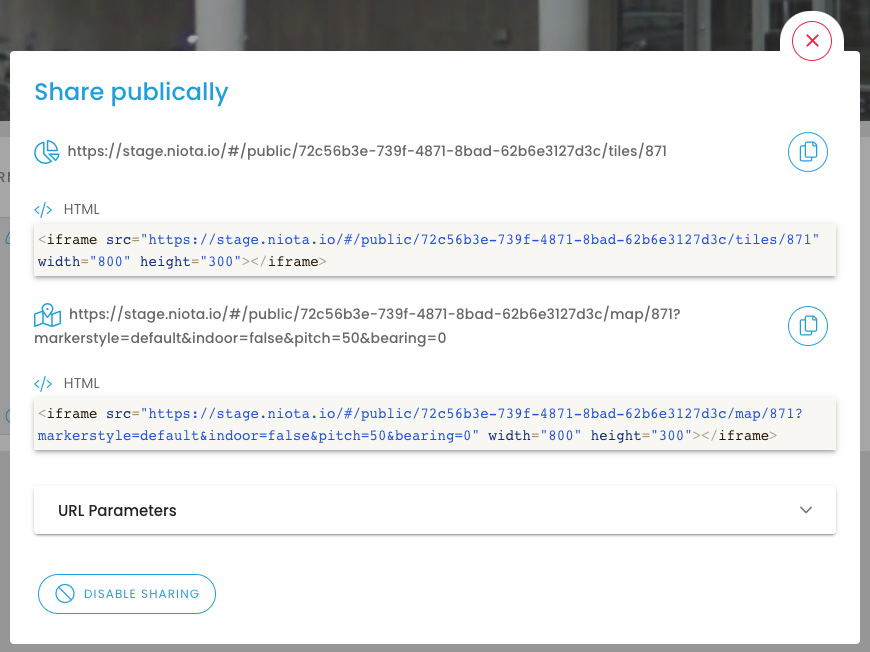
URL parameters:
The URL parameters make it possible to share settings on the appearance of the Public Dashboard via URL. When the shared URL or iframe is opened, the previously selected settings are applied directly to the shared map.
The following setting options are available:
-
markerstyle: There are two different versions of markers. This URL parameter can be used to switch between these two styles.


-
hidebar: Hides the control bar at the bottom of the window when set to true, e.g. for full screen/iframe applications..


-
indoor: If the twin type “Floor” was selected for the twin to be divided and an overlay was created, it is also possible to display this in the Public Dashboard. For this purpose, the URL parameter indoor=true must be activated..
-
pitch: This parameter sets the angle at which the map is viewed from above. 0 is the 90° view of the map from above, whereby 60 corresponds to a strongly inclined angle.
-
bearing: By default, the map is oriented north, i.e. the north is displayed at the top and the south at the bottom. This angle can be set via the parameter “bearing”.
-
clusterdistance: In order not to overload the map view, it is helpful to group data points if they are too close to each other on the map. The distance at which several data points merge into a cluster is defined via “clusterdistance”.
-
zoomlock: To prevent viewers from zooming in on a point on the map so that the digital twin itself is no longer visible, the zoomlock can be activated. The distance of the individual data points determines from which zoom this zoomlock is activated.