The device used detects the direction in which people have moved. This calculates whether the detected persons have entered a room or whether they have left it. For both cases - ‘in’ and ‘out’ - the absolute values are stored in the device and thus absolute values are also transmitted to niotix.
For the following implementation we assume that the devices are already created as virtual devices in niotix. The number of visitors per day is now to be recorded in the digital twin.
Design and implementation
1. Capture absolute values
First, we create a data state “Entrance counter total”. We create a data state for this purpose. We select the corresponding virtual device as the source. Since we need this data state only for the calculation, we select “Hidden” as visualization.
2. Acquire absolute values of the previous day
Now we create a data state “Entrance counter yesterday” to get the absolute value of the previous day. For this we select “Time aggregated” as source. Since we want to get the absolute value of the previous day, we select “Max” as the operation. To get the data of the previous day, we have to create a time offset of one day. Therefore, we go into the expert mode of the temporally aggregated data and enter the following data:
- Offset: 1
- Offset Unit: Days
- Duration of time: 1
- Unit of time: Days
Since we also need this data state only for the calculation, we also select “Hidden” as the visualization.
3. Calculate difference
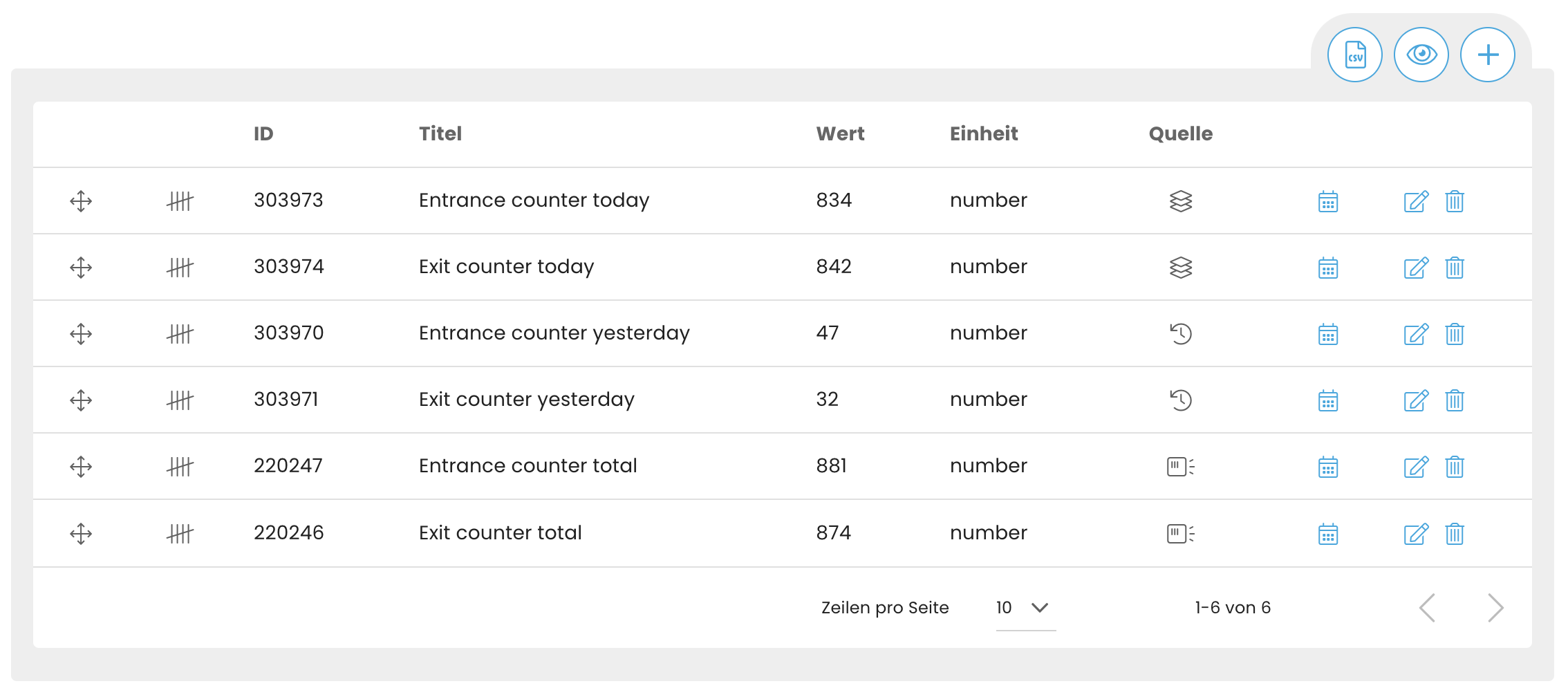
We have now created the following two data states:
- The absolute value of persons that have ever been detected by the device (“Entrance counter total”).
- The absolute value of people ever detected by the device from the previous day (“Entrance counter yesterday”).
To calculate how many people visited the room today, we now take the difference of the two created data states.
For this we create a new data state with the title “Entrance counter today”. This time we select “Aggregated” as the source and select the two data states we created earlier.
4. Acquire absolute values of the previous day
The calculation is set via the javascript transformer. Here we subtract the value of the data state “Entrance Counter Yesterday” from the value of the data state “Entrance Counter Total”.
module.exports = (data) => {
  return (data.entrance_counter_total.value - data.entrance_counter_yesterday.value);
}
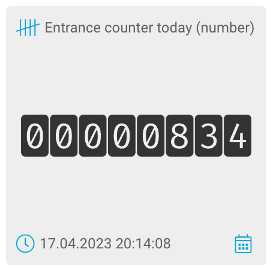
This data state now indicates the number of people who entered the room today and were detected by the people counter.
Further thoughts & ideas
The previous steps can now be repeated for out to capture the number of people who left the room today.
As shown in step four, an aggregated data state can then be created that subtracts the number of people who left the room today from the number of people who entered the room today. Thus, the number of people currently in the room could be calculated.